Shared Hosting vs VPS: When to Make the Switch
Shared hosting vs VPS is a timing question. Here are the signs you have outgrown shared hosting, what changes on a VPS, and how to switch without downtime.


Shared hosting vs VPS is a timing question. Here are the signs you have outgrown shared hosting, what changes on a VPS, and how to switch without downtime.

What is a VPS? How virtualization carves one physical server into private slices, what you get, the honest pros and cons, and who needs one.

Shared, VPS, or cloud? How to pick the right hosting for a small site, what to evaluate, and the red flags experienced users warn about.
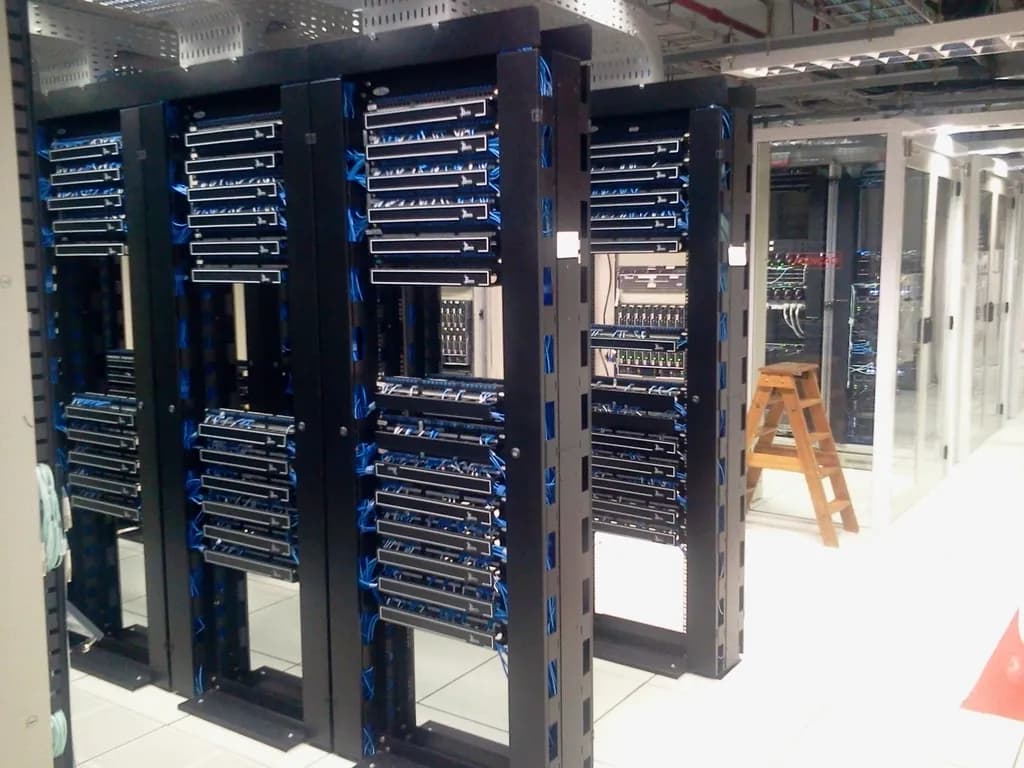
A plain guide to cloud hosting: how your site runs across a pool of machines, how pooled resources and scaling work, and the honest pros and cons.

No hosting plan is unlimited. Here is why hosts use the word, where the caps hide, and how to find them before you buy.

A deep, vendor-neutral checklist for evaluating any web host, with exactly how to test each criterion before you buy and the red flags to watch for.
The shared hosting vs VPS decision is really a timing question, not a quality one. Shared hosting is the right home for most small sites, and you should stay on it until your site shows clear signs of outgrowing it: pages crawling under load, hitting CPU or inode limits, the host blocking software you need, killed background processes, or a feature that requires root access. When you hit those walls and not before, a VPS gives you a private slice of a server with the control to fix them. Until you hit them, moving up just adds cost and maintenance you do not need.
This guide is about the switch itself: what shared hosting does well, the specific signs you have outgrown it, what changes when you move to a VPS, how to migrate without downtime, and the honest case for staying put. For a full comparison of every hosting type, start with the pillar on which hosting type is best for small websites. For how to size the VPS once you have decided to move, see how to choose a VPS.
Shared hosting puts many websites on one physical server and splits the cost, the maintenance, and the resources among all of them. It is cheap, it is managed for you, and it asks nothing technical of you. For a brochure site, a portfolio, a small business page, or a low-traffic WordPress blog, that is the whole job done. You upload your files and the host handles the rest.
The economics are the point. Because dozens or hundreds of sites share one machine, the per-site cost drops to a few dollars a month, and the host absorbs the security patching, the server updates, and the uptime monitoring. You never touch a command line. Experienced administrators are blunt that this is fine for the sites it is built for: a local business site that "probably gets a few hundred hits a day" is, in one Hacker News commenter's words, getting traffic that is "pretty much nothing" for a shared plan to handle (Hacker News).
What you give up is control and isolation. You cannot install arbitrary software, you cannot run long-lived background processes, and your performance depends on the other sites on the box. None of that matters for a standard site, which is exactly why shared hosting stays the right answer for so long. If you want the underlying concept of the alternative, covers it from the ground up.
You have outgrown shared hosting when the limits start changing what you can build, not just how fast it runs. The signs are observable, not a feeling. Watch for slowness under normal traffic, errors when you hit resource caps, software the host refuses to run, background jobs that get killed, and any task that needs root. One of these is a nudge. Several together mean it is time.
Here is what each sign looks like in practice:
The community rule of thumb is direct: once "you start doing anything more than wordpress sites or learning php, then its pretty definitely time for a vps" (Hacker News). If you are still running a standard site and none of these are happening, you have not outgrown anything yet.
A VPS, or virtual private server, gives you a guaranteed, isolated slice of a physical machine: your own CPU, memory, disk, and operating system, walled off from the other tenants. The headline change is root access, which means you can install anything, run long-lived processes, and tune the server. The quieter change is that the maintenance you never thought about on shared hosting is now yours.
Think of it in three parts: control, responsibility, and cost.
One thing a VPS does not magically fix is overselling. Hosts oversubscribe their hardware at every tier, betting not everyone peaks at once. As one administrator put it, "Every provider oversubscribes ... they do not expect and cannot handle 100% utilization by their subscriber base" (Hacker News). The difference is that on a VPS you can measure it: high CPU steal time in your server stats tells you the host is overselling and you are not getting the resources you paid for.
You avoid downtime by building the new server fully before you point any traffic at it, then cutting over with DNS only once it is verified. The principle is simple: never break the live site while you set up the new one. Run both in parallel, test the new one against a temporary address, and switch only when it works. Nothing about the live site changes until the final step.
At a high level, the sequence is:
The one rule that survives every migration: keep your own off-site backups, before and after. "ALWAYS make backups," one administrator wrote. "If a provider goes deadpool on you all of the sudden, you should always have fresh backups in a remote site" (Hacker News). A migration is exactly the moment you want a copy that lives nowhere near either server.
Probably not yet, and that is fine. Most sites that ask this question are not slow, not blocked, and not hitting limits, which means shared hosting is still doing its job. Switch when you have a concrete trigger you can point to, not a hunch that you should be paying for something bigger. Run this checklist before you move anything.
Switch to a VPS when you can check at least one of these honestly:
Stay on shared hosting when all of these are true:
If you land in "stay," stay. The most common mistake is upgrading early and inheriting a sysadmin job you did not need. If you land in "switch," size the server next and migrate in parallel so the move costs you no downtime.
Good infrastructure is the kind you stop thinking about: it fits what you are doing now, it does not throttle you when you grow, and it does not ask you to manage more than the work requires. Shared hosting earns that for most sites for a long time. A VPS earns it the day a limit, not a guess, gets in your way. Pick by the wall in front of you, keep your own backups on both sides of the move, and let the host you are on keep the job until it stops doing it well.