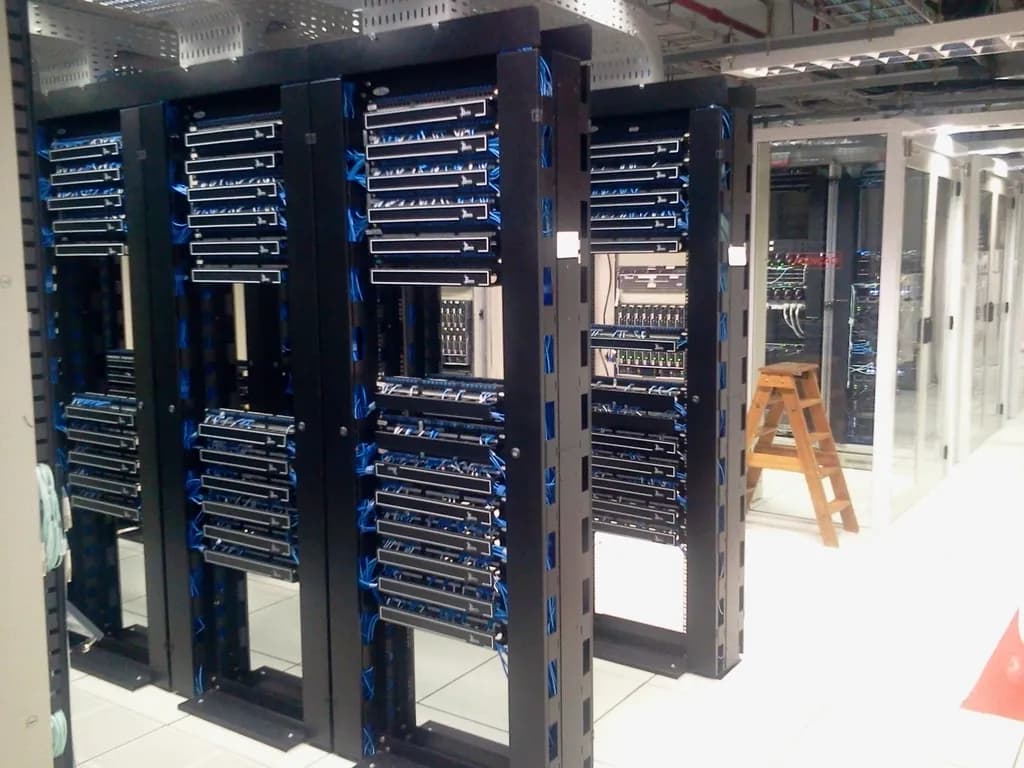
For the VPS vs cloud hosting vs dedicated decision, the short answer is that most people who have outgrown shared hosting want a VPS, a smaller group with spiky traffic or strict uptime needs want cloud, and a narrow set of heavy, steady workloads want dedicated. A VPS gives you a private slice of one machine. Cloud spreads you across a pool of machines for resilience and elastic scale. A dedicated server hands you an entire physical box. Cost and the effort to run it both climb as you move along that list, and dedicated is overkill for most sites.
This guide covers what each option is, its strengths and weaknesses, what it costs you in money and in time, and the workloads it suits. Then it gives you a way to choose based on your traffic pattern, your need for resilience, your budget, and whether you want to run a server at all. If you are still on shared hosting and weighing a first step up, start with which hosting type is best for small websites, then come back here once you know you need more.
What is a VPS, and what is it good for?
A VPS, or virtual private server, is a private, guaranteed slice of one physical machine, with its own CPU, memory, disk, and root access. You get a server you fully control, isolated from your neighbors by the hypervisor, without paying for the whole box. It is the standard next step after shared hosting and it covers a wide range of sites and apps. For a deeper look, see what is a VPS.
Strengths:
Root access and software freedom. You install whatever runtime, database, or background worker you want, with no shared-hosting daemon killing your long-running processes.
Predictable resources. Your CPU and RAM are allocated to you, so performance is steadier than on a shared plan.
Low cost for what you get. A right-sized VPS runs the vast majority of workloads. As one engineer put it on Hacker News, "you can get so much out of a single $30/month VPS .. we've been indoctrinated that everything needs to be on hyperclouds and mega scale" (Hacker News).
Honest weaknesses:
It is one machine. If the host node fails, your VPS goes down with it. A single VPS has no built-in resilience.
Overselling is the catch. Providers pack more virtual servers onto a node than the hardware can fully serve at once, betting not everyone peaks together. You can measure it: high "CPU steal time" in your server stats is, in the words of one commenter, "strong indication you are being ripped off CPU" (Hacker News).
You manage it (unless it is managed). On an unmanaged VPS, the operating system updates, security patches, and firewall are yours to handle.
What it costs you: a flat, predictable monthly fee, and either your own time or a managed-plan premium to keep the server healthy. What it suits: growing websites, web apps, APIs, small databases, staging environments, and most things a single dependable server can run.
What is cloud hosting, and when is it worth it?
Cloud hosting runs your site across a pool of networked machines instead of one, with a control layer that can move your workload, add capacity, and keep you running when a single machine fails. The point of cloud is resilience and elastic scale: it earns its premium when your traffic is unpredictable or downtime is expensive. For steady, modest traffic, it is often more cost and complexity than you need.
Strengths:
Resilience. A true multi-node cloud can survive the loss of one machine without taking your site down, because your workload is not pinned to a single box.
Elastic scale. You can add resources to absorb a traffic spike instead of rebuilding on bigger hardware, then scale back down.
Managed building blocks. Cloud platforms bundle load balancing, managed databases, and object storage you would otherwise assemble yourself.
Honest weaknesses:
Usage-based bills can surprise you. The cost to watch is egress, the fee to move data out, which is frequently marked up steeply. One widely shared account described being billed "$2600 for a service that I know costs $180 elsewhere" (Hacker News). Worse, most platforms have no hard spending cap. As another commenter noted, "Billing notifications aren't much use if you can run up a $1000 bill between going to bed and waking up" (Hacker News).
Complexity. The flexibility comes with more moving parts to configure, monitor, and secure than a single server.
Marketing muddies the term. Plenty of "cloud VPS" plans are a single node with a fancier label. A single-node "cloud VPS" does not give you the multi-machine resilience that is the whole reason to pay for cloud. Ask whether your workload survives one machine dying. If the honest answer is no, you are paying cloud prices for VPS resilience.
What it costs you: usually metered billing that rewards attention, plus the engineering time to use the platform well. What it suits: sites with sharp or unpredictable traffic, apps where an hour of downtime costs more than the cloud premium, and teams that need to scale fast without re-architecting.
What is a dedicated server, and do you really need one?
A dedicated server is an entire physical machine rented to you alone, with no neighbors and no virtualization overhead. You get the full hardware, maximum and most consistent performance, and complete control. It is the most powerful and the most expensive of the three, and for most workloads it is more than you need. Reach for it only when one heavy, steady workload justifies a whole box.
Strengths:
No noisy neighbors, ever. Because nobody shares the hardware, there is no overselling and no steal time. Performance is as consistent as the hardware allows.
Full hardware and control. Every core, every gigabyte of RAM, and the bare metal are yours, which matters for some databases, specialized compute, and workloads with strict compliance or isolation needs.
Honest weaknesses:
Cost. You pay for the whole machine whether or not you use it, so idle capacity is wasted money.
It is still one machine. Like a single VPS, a single dedicated server has no built-in failover. Hardware fails, and resilience is on you to build.
You run it. Operating system, security, and recovery are your responsibility unless you pay for a managed tier.
Most people do not need it. This is the recurring theme from people who run production systems. Engineers on Hacker News repeatedly report carrying serious traffic on tiny machines: front-page traffic handled "on 5$ digital ocean droplets," and a publisher serving its entire catalog from "a single 4GB VPS" (Hacker News).
What it costs you: the highest flat fee of the three, plus your time or a managed premium. What it suits: a sustained, resource-hungry workload that genuinely saturates a server, strict isolation or compliance requirements, or specialized hardware needs.
What do people get wrong about these three?
The most common mistakes are reaching for cloud scale you do not need, mistaking a single-node "cloud VPS" for a resilient multi-machine cloud, and assuming a dedicated server is the safe default for anything important. Each of these costs money or false confidence. Knowing where the marketing diverges from the engineering saves you both.
Overselling is universal, not a scandal. "Every provider oversubscribes," one administrator wrote, because "they do not expect and cannot handle 100% utilization by their subscriber base" (Hacker News). The question is not whether a host oversells, it is how aggressively. Steal time is your meter.
"Cloud" is a spectrum, not a checkbox. A genuine multi-node cloud survives a dead machine. A single VPS relabeled "cloud" does not. If resilience is why you are paying, confirm the architecture delivers it.
One server is enough far more often than people think. The strongest recurring sentiment from operators is that hyperscale is rarely required, and "that brings so much cost and complexity that most applications don't need" (Hacker News).
Backups are yours regardless of tier. None of the three saves you from data loss on its own. Keep an independent, off-site copy whether you run a VPS, cloud, or dedicated box.
How should you choose between VPS, cloud, and dedicated?
Choose by matching four things to your situation: your traffic pattern, your need for resilience, your budget, and your appetite for managing a server. A VPS fits steady traffic and a single-machine risk you can tolerate. Cloud fits spiky traffic or strict uptime. Dedicated fits one heavy, steady workload. When two tiers fit, pick the cheaper, simpler one and upgrade on a clear trigger.
Work through these in order:
Look at your traffic pattern first. Steady or slowly growing traffic points to a VPS or dedicated server, because fixed resources are cheaper than elastic ones. Sharp, unpredictable spikes point to cloud, where you scale up and back down instead of paying for peak capacity all month.
Decide how much downtime costs you. If an hour offline is an inconvenience, a single VPS or dedicated box is fine, paired with good backups. If an hour offline is money or reputation, you want the multi-machine failover that only true cloud provides.
Set your budget honestly, including the worst month. A VPS or dedicated server is a predictable flat fee. Metered cloud can be cheaper at low usage and much more expensive during a spike, so budget for a bad month and check whether you can set a spending limit at all.
Decide whether you want to run a server. If you do not want to handle patches, security, and recovery, choose a managed plan in whichever tier fits, and accept the premium. An unmanaged box is cheaper and hands you the work.
When unsure, pick smaller and set an upgrade trigger. Move up only on an observable sign: sustained slowness under load, a feature your current tier blocks, or measured growth. Not a hunch that you should be spending more.
A note on managed versus unmanaged, since it cuts across all three tiers: managed hosting does the system administration for you, which is the right call if you would rather not run a server. Managed cloud VPS hosting (which is what we offer at Carpathian) is one option among many, and it is the wrong choice if you have the skills and want to keep costs at the floor with an unmanaged box. Neither is better in the abstract. It depends on how you want to spend your time.
So what is the shortest path to the right answer?
Start from what your site or app is doing today, not what it might do someday. If you have outgrown shared hosting and want control without complexity, a VPS is the default answer and it is enough for most workloads. Move to true multi-node cloud when spiky traffic or strict uptime justify the premium and the extra moving parts. Choose a dedicated server only when one heavy, steady workload earns a whole machine. Across all three, keep your own off-site backups and treat any "unlimited" or "cloud" label as a question, not a promise.
The right tier is the one you stop thinking about: enough headroom for what you run now, a clear and cheap path to grow, and a bill you can predict. Size for today, watch your steal time and your egress, and upgrade on evidence rather than on a feeling. If you are leaning toward a VPS, the next step is matching the specs to your workload, which is covered in how to choose a VPS.
VPS vs Cloud Hosting vs Dedicated Server: How to Choose | Carpathian